Back
Ease: Redesigning a Platform for Academic Collaboration
Designing the collaboration platform students actually want.
What is the problem?
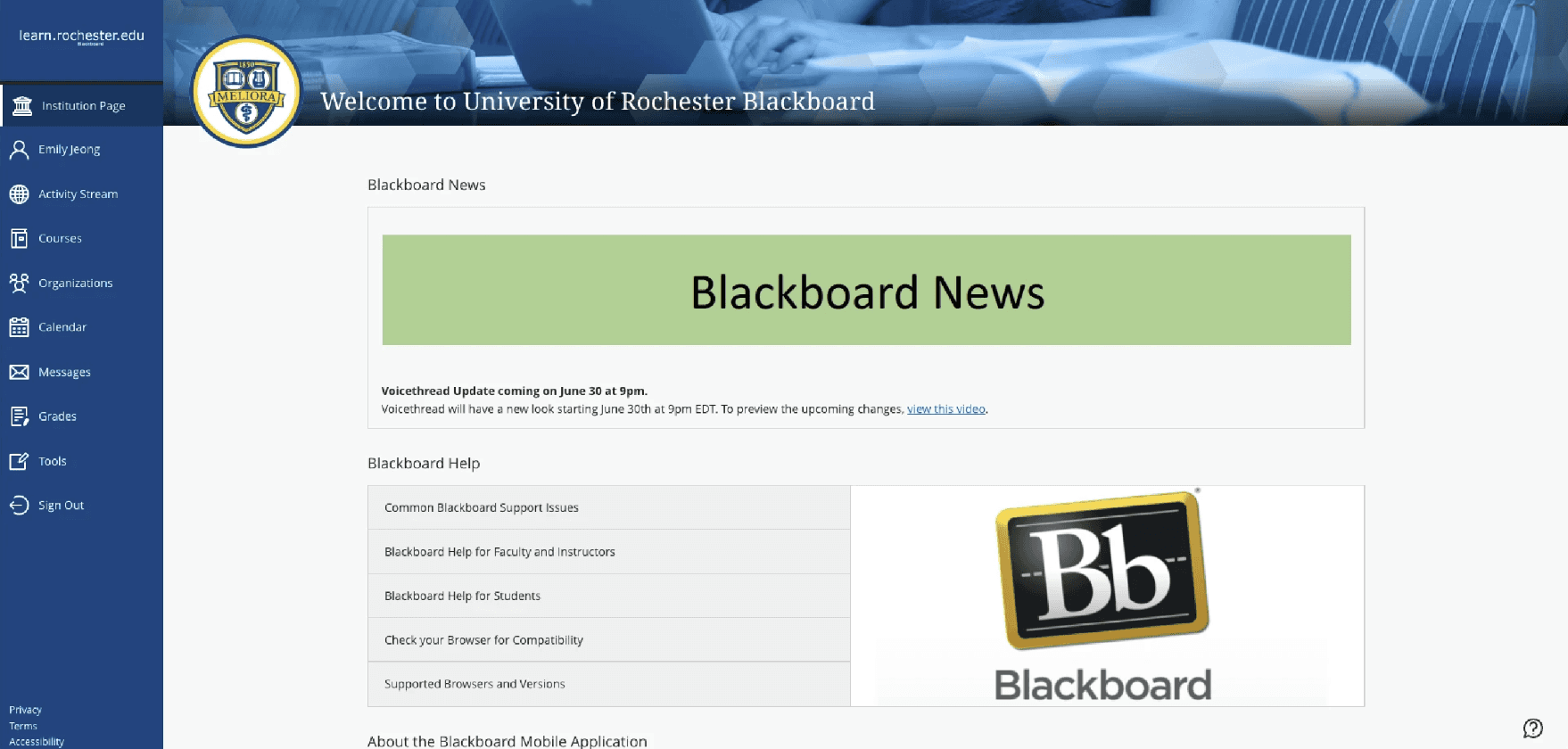
Blackboard was the only university-provided tool for academic collaboration at the UofR. Our team’s goal was to find out why Blackboard’s collaboration tools were lacking and create a solution to fill in those gaps.
Blackboard has many limitations for academic collaboration like being unable to directly message other users. However, Blackboard is the only University-provided collaboration platform.
Needfinding
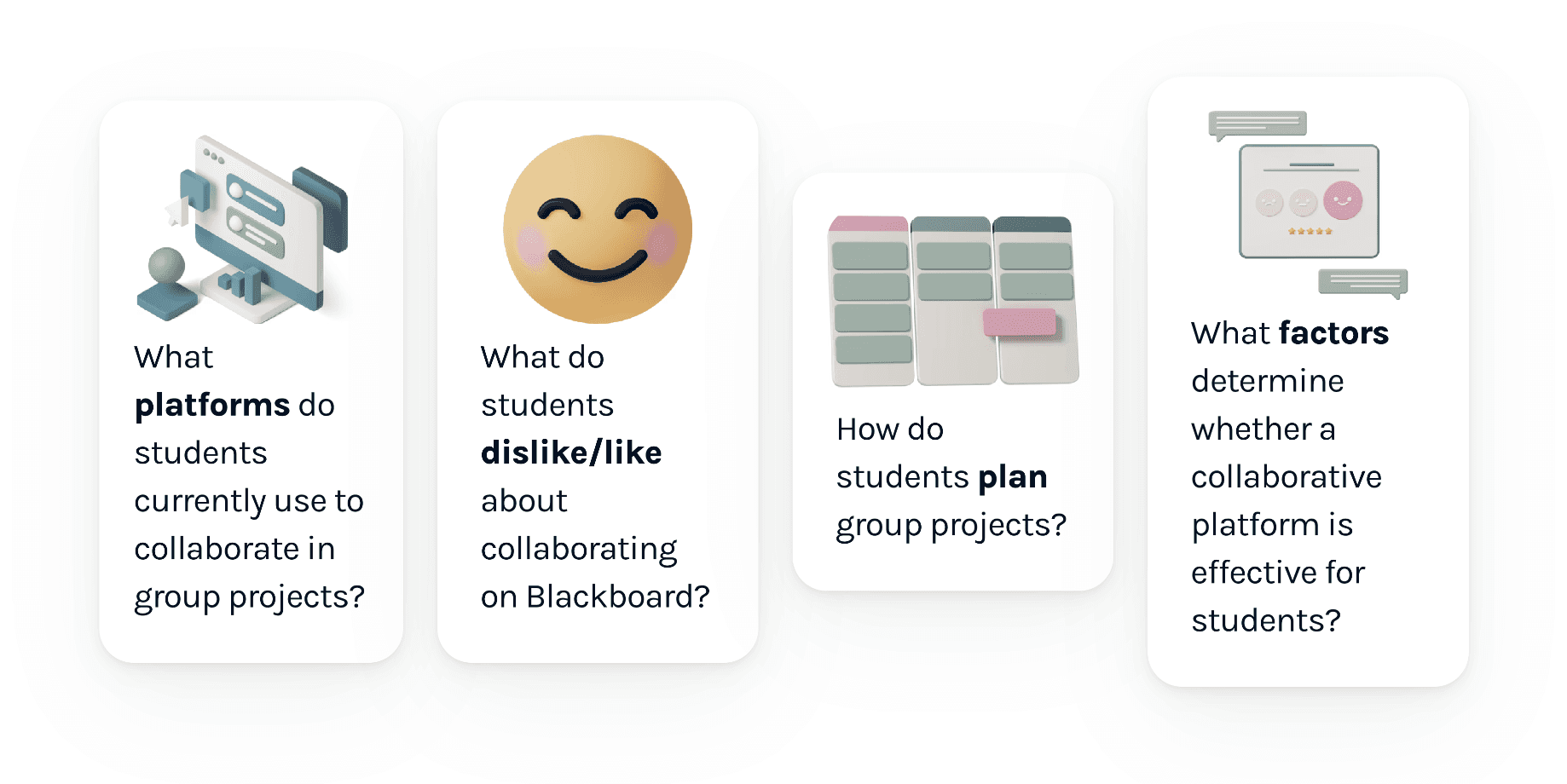
Our goal for need-finding was to answer the following questions about academic collaboration and Blackboard:
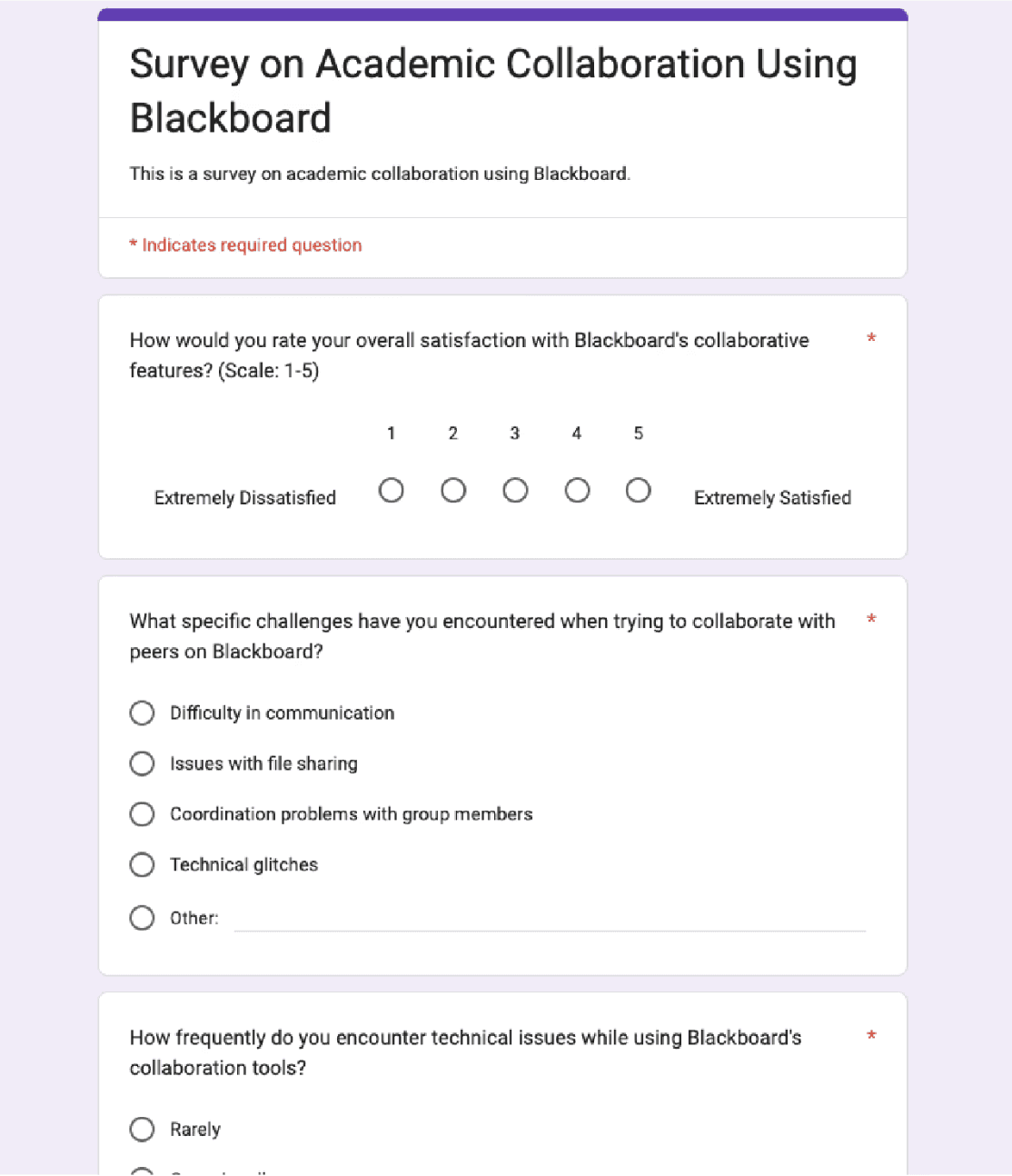
Surveys
Surveys were ideal for answering our need-finding goals, as we would be able to reach a large population of students to gather quantitative data on academic collaboration. For our survey to be successful, we would need to have gained a better understanding of what Blackboard lacks, problems in Blackboard’s design for collaboration, and improvements that we can make to a collaboration platform.
Interviews
Interviews would be helpful for gaining in-depth insight into why participants feel the way they do about collaboration platforms. To have conducted successful interviews, the following information will have to be collected:
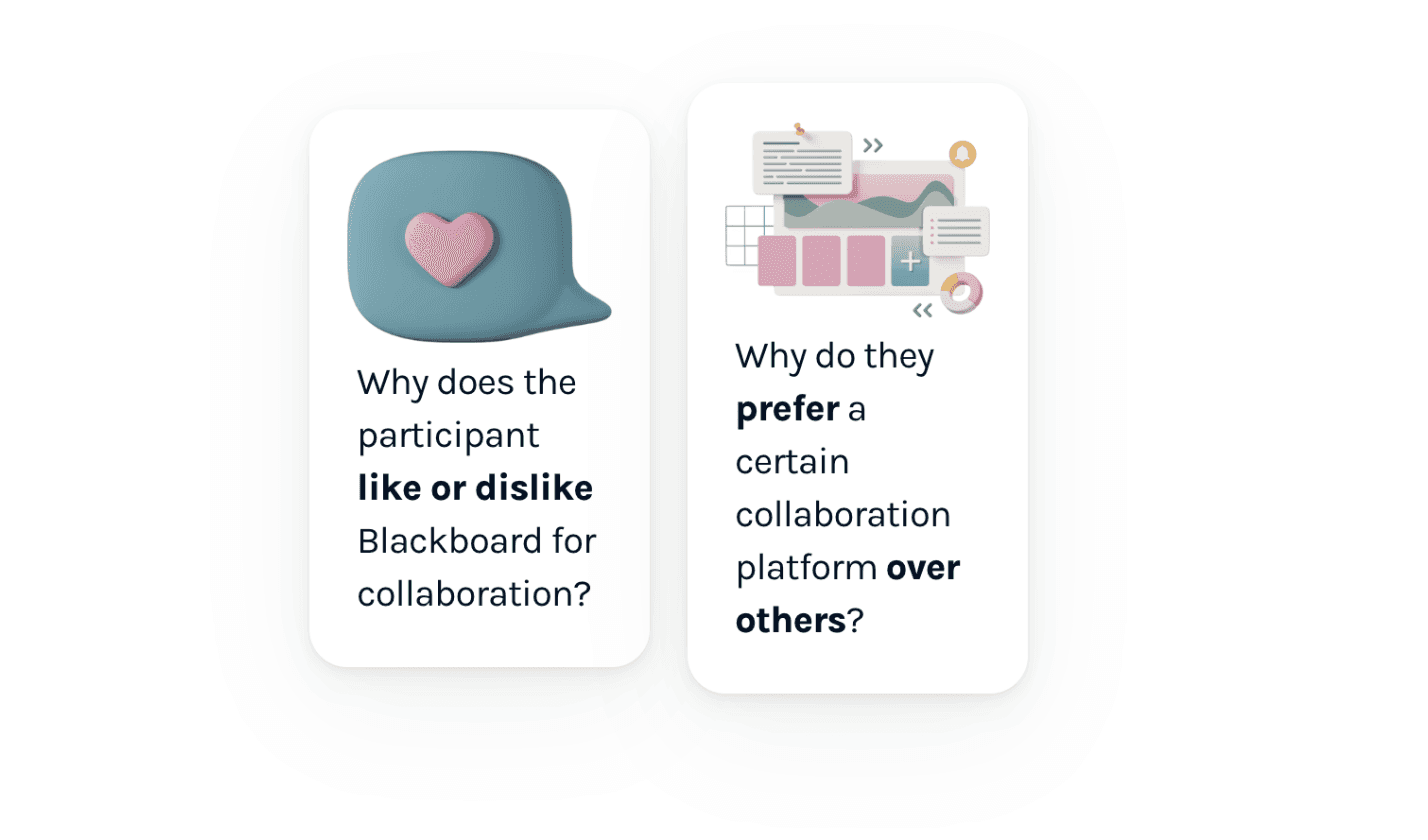
This would be useful for determining what features to implement and what problems to solve when creating our collaboration platform.
Sample Interview Questions:
When assigned a group project for a class, what methods or platforms do you use to collaborate with group members?
How do you feel about using Blackboard for collaborative projects?
From your experience, what makes some collaborative platforms better than others?
Survey Results
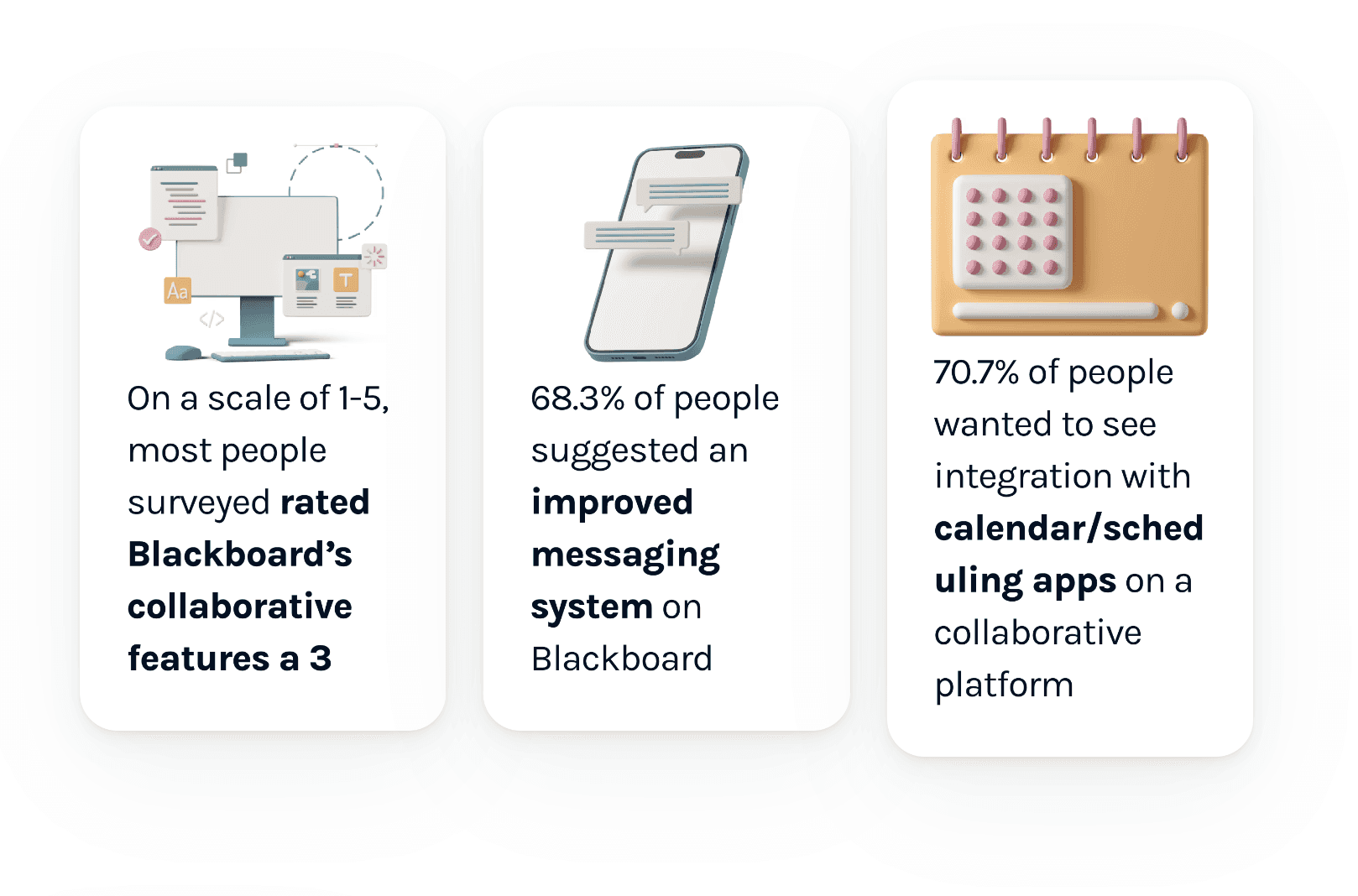
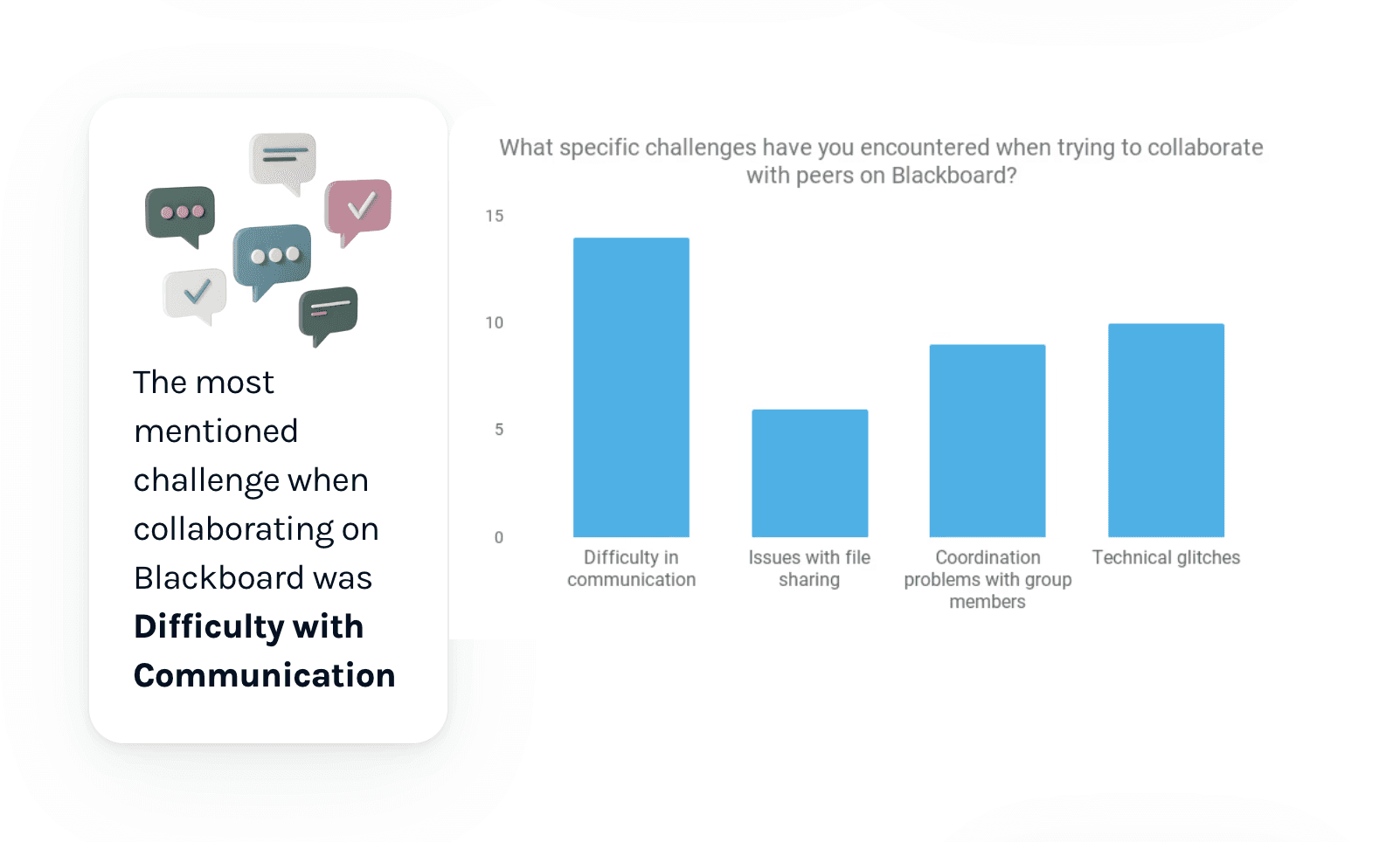
The survey was created using Google Forms and received a total of 41 responses. We did a total of 4 in-person interviews.
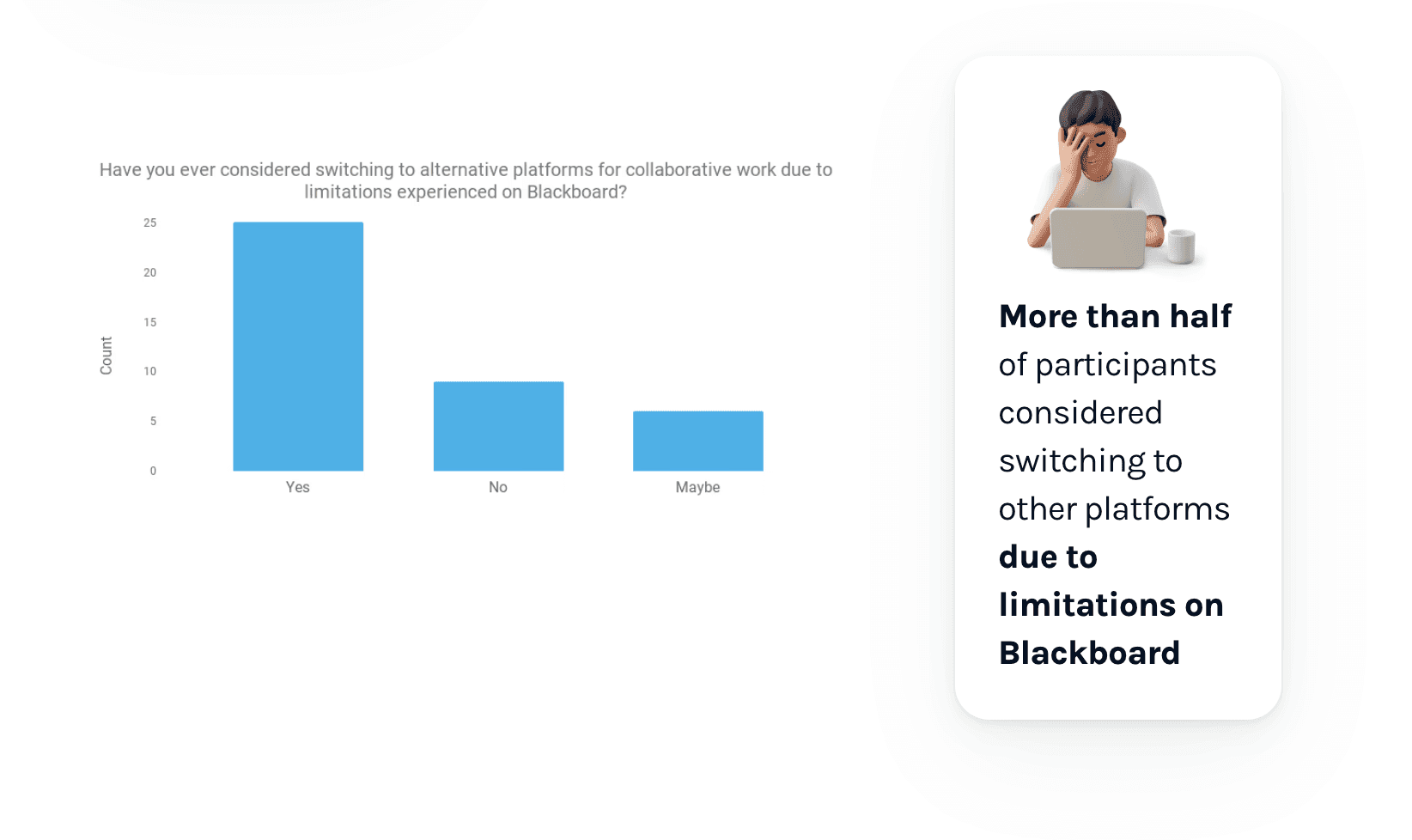
Interview Results
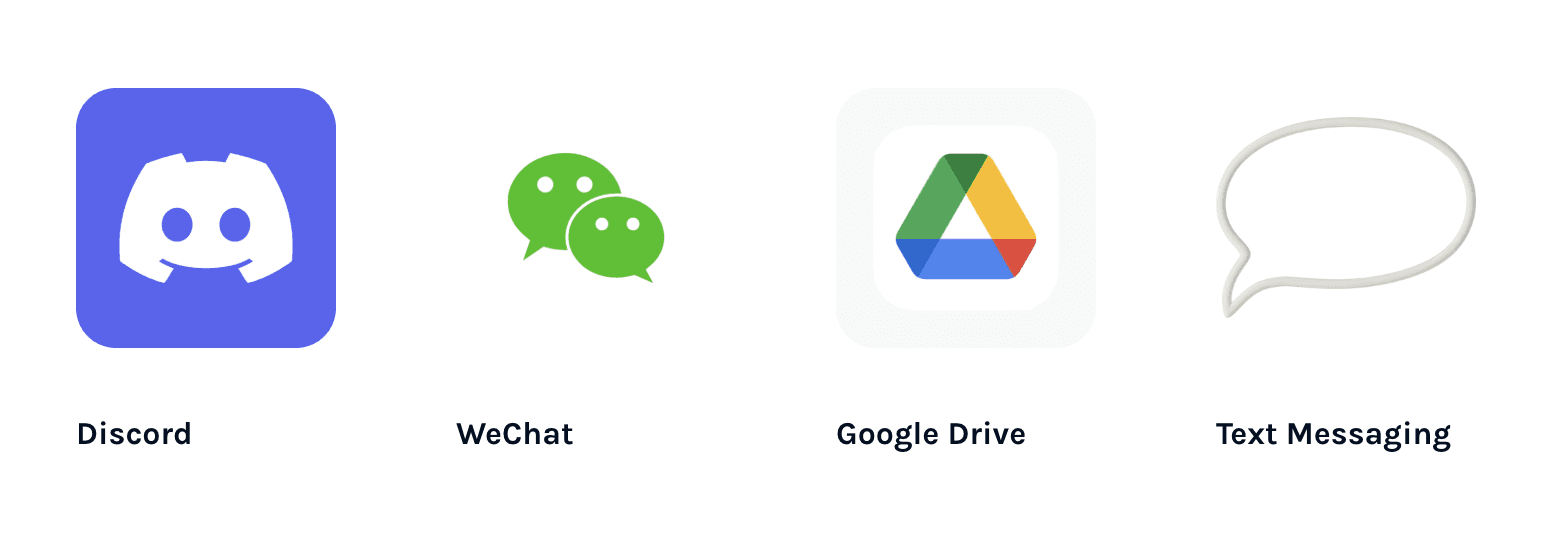
Respondents generally avoided using Blackboard and instead took advantage of other platforms such as
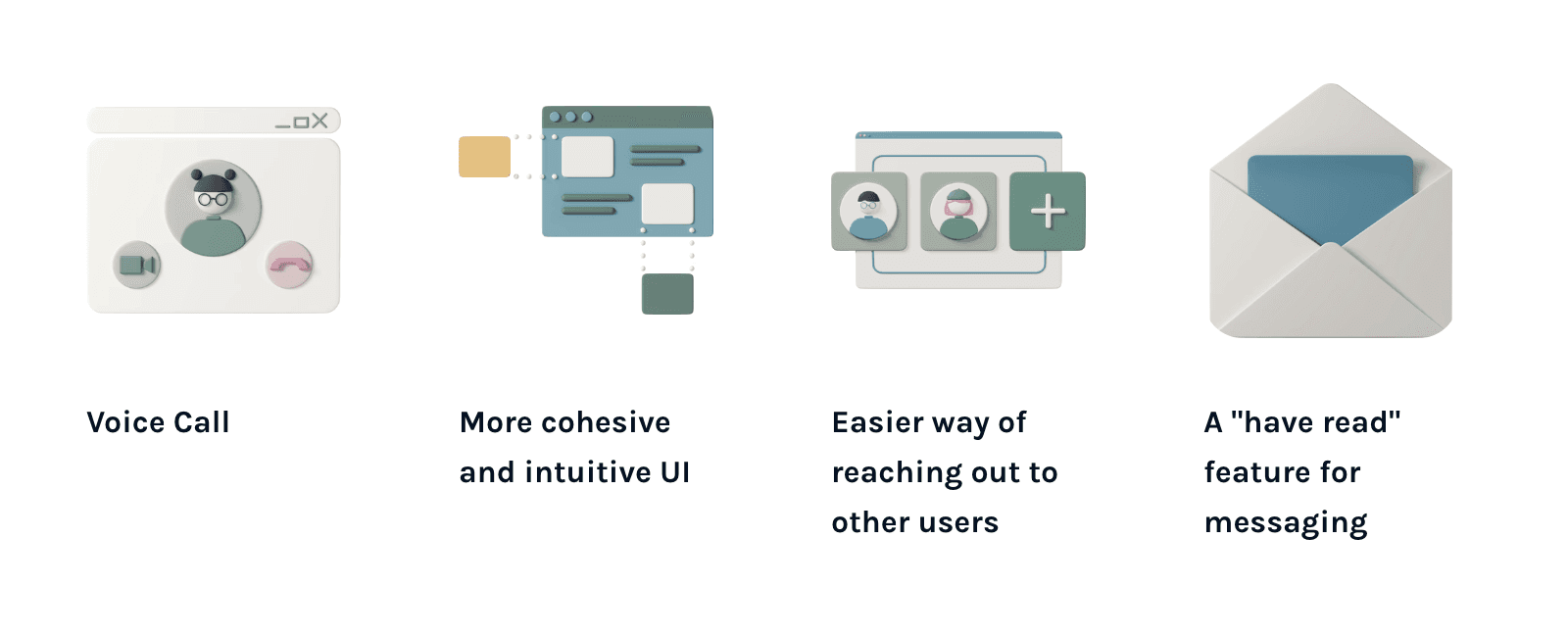
Respondents found these features useful for academic collaboration:
Prototyping
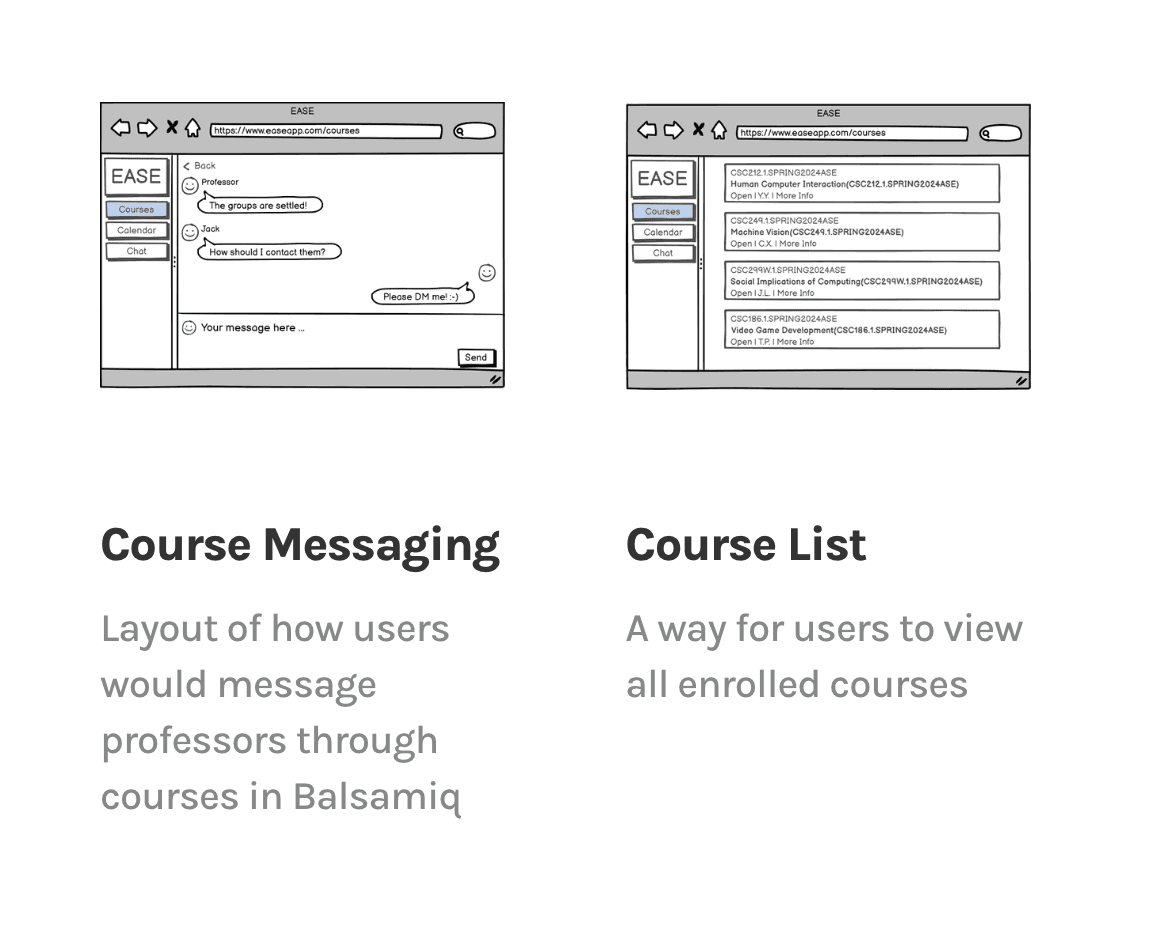
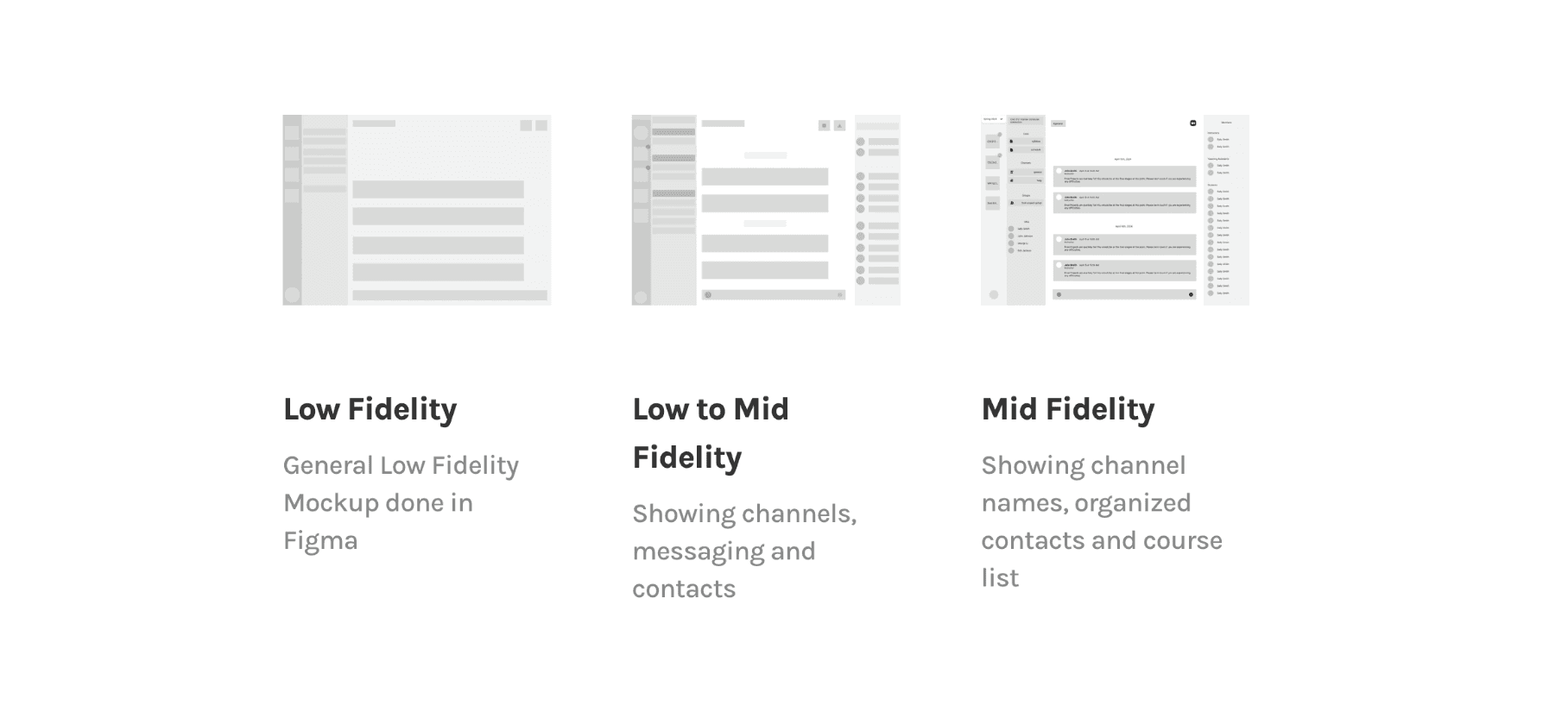
We employed an array of prototyping techniques: paper prototyping and wireframing with Balsamiq and Figma. Paper prototyping provided a solid foundation for the general layout of the UI, and the wireframes served as the blueprint for our application, detailing the placement of interactive elements such as buttons and text fields, and how users will interact with them.
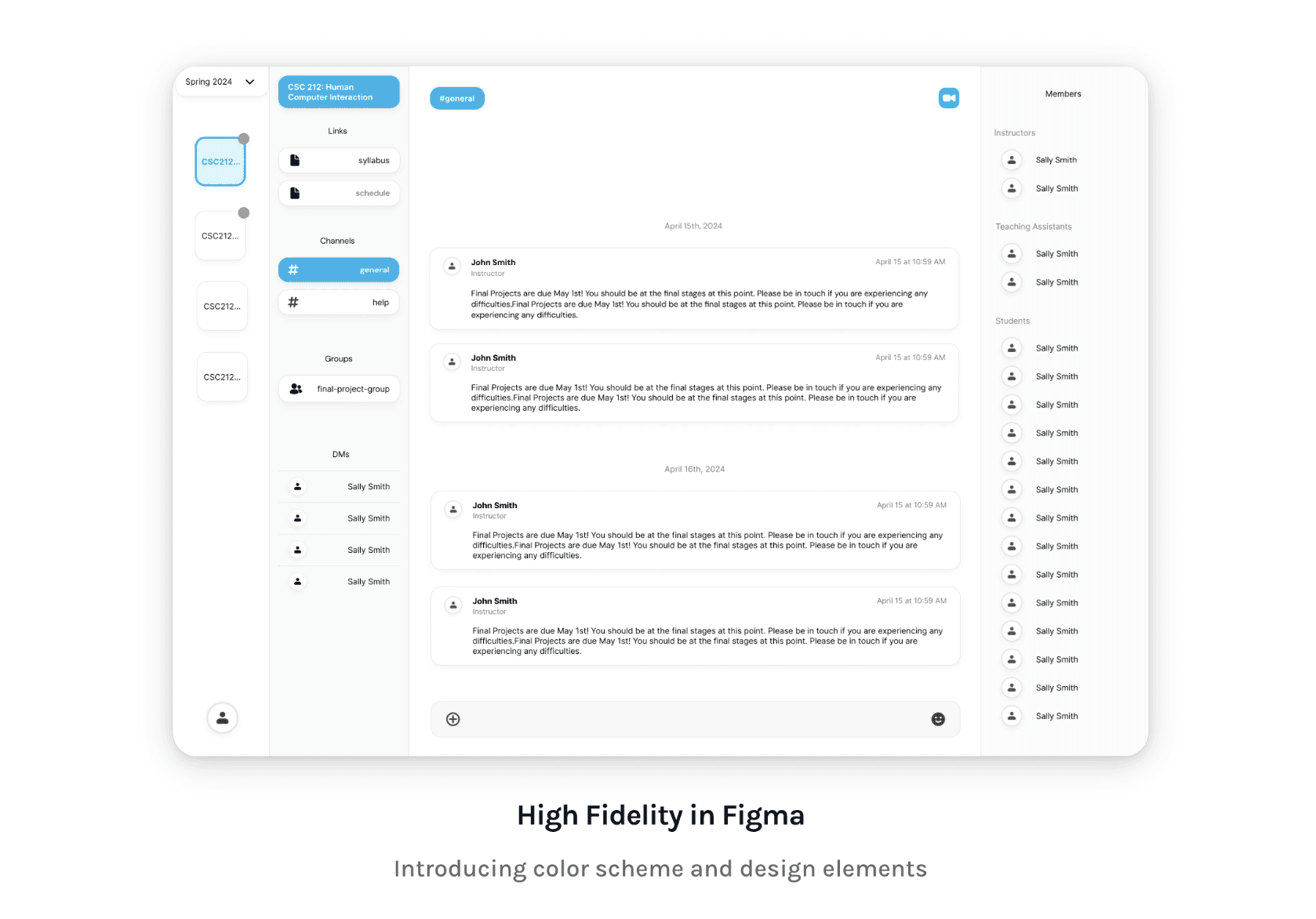
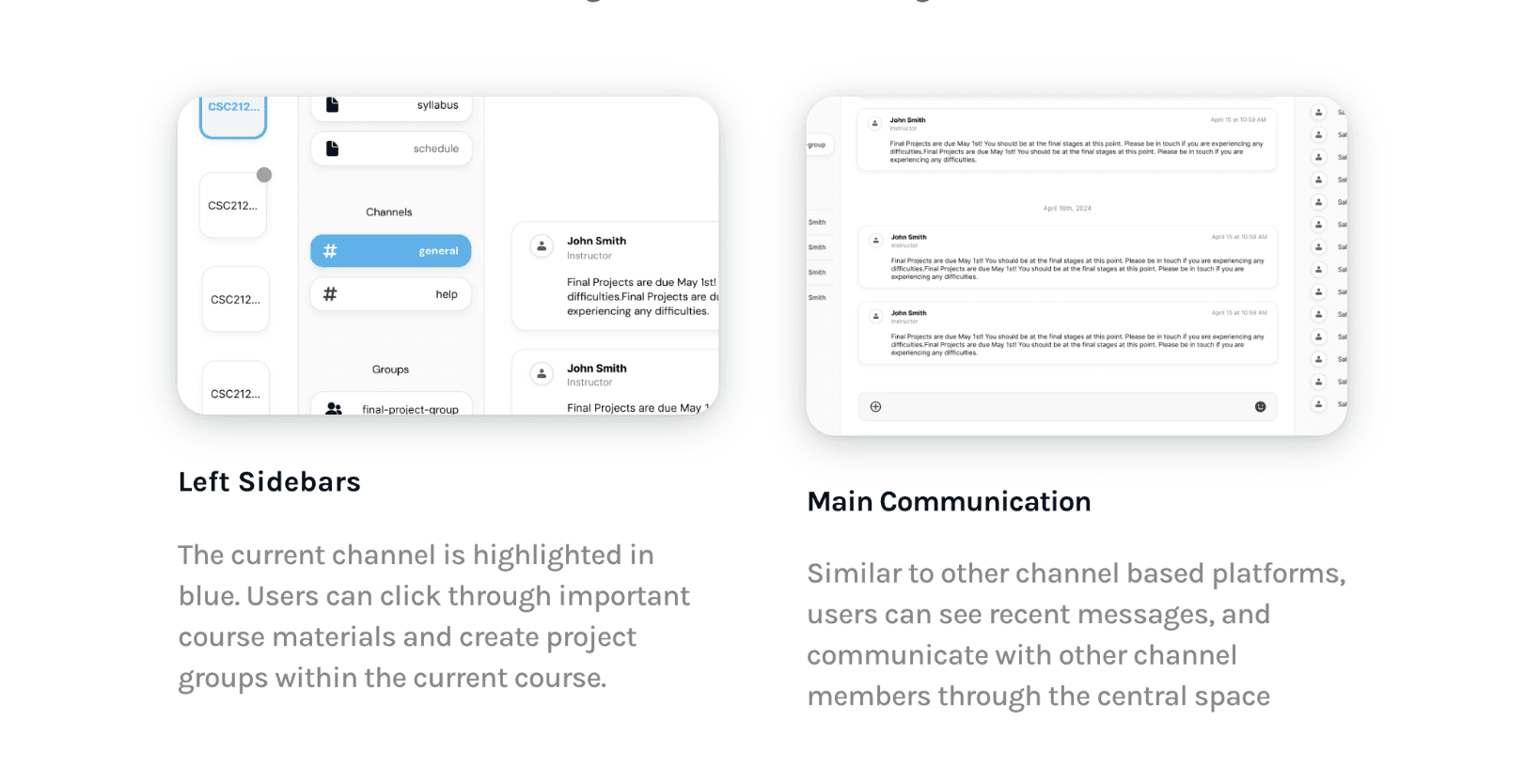
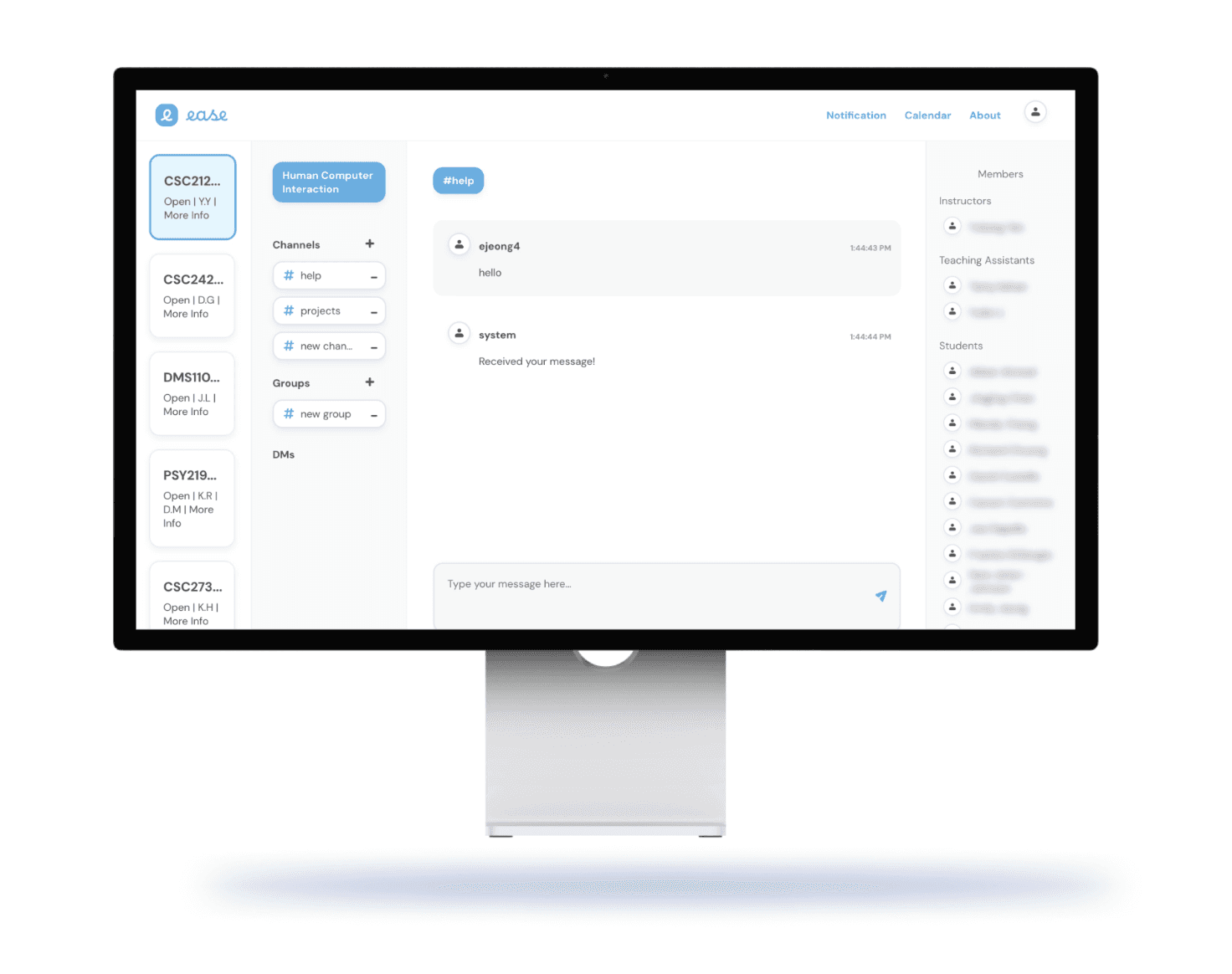
We looked towards platforms interview respondents mentioned they used for collaborative projects. Specifically Discord and Slack. These platforms utilized a comprehensive “channel” layout in which users can message many different contacts while still being able to easily identify the different groups they are in.
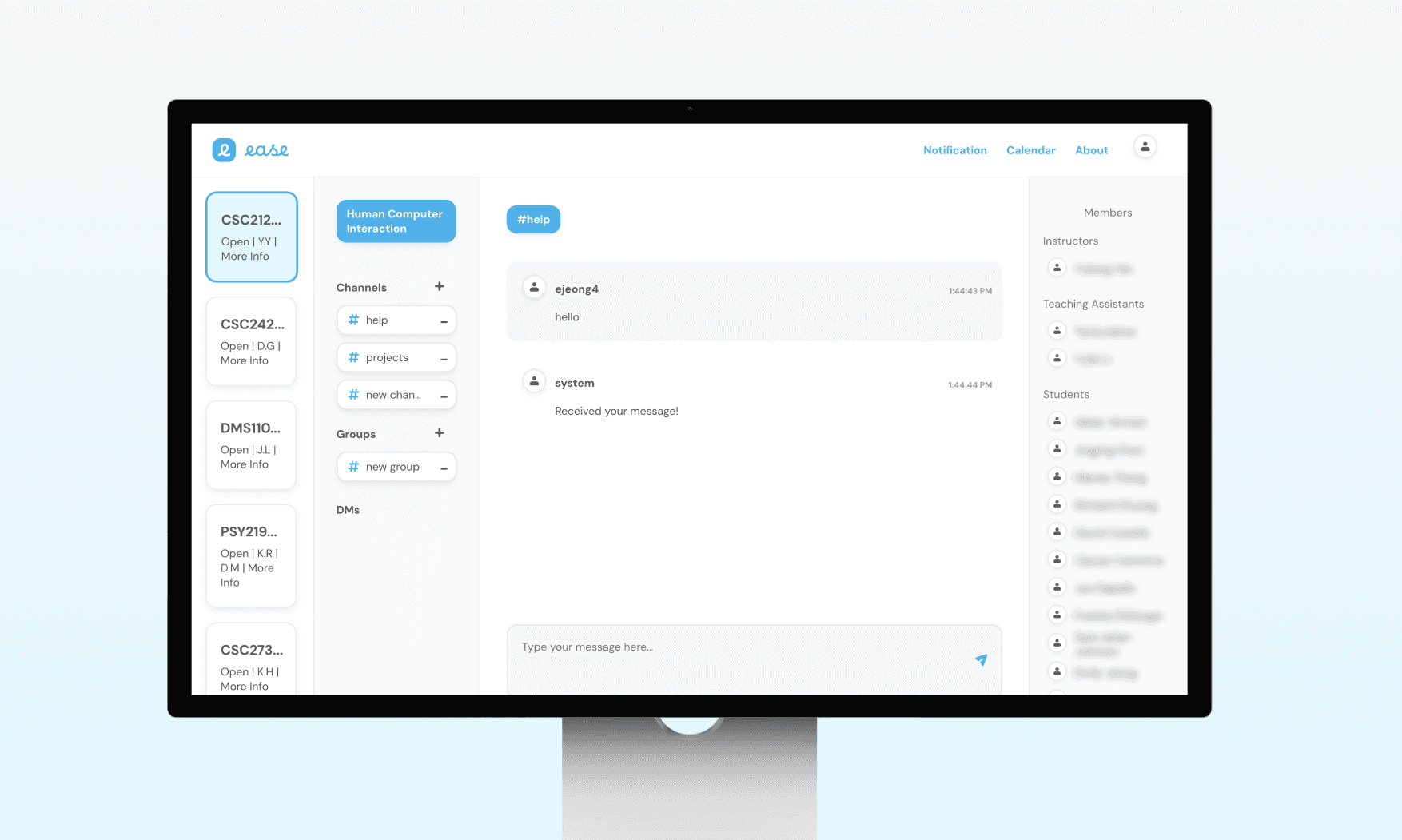
In our final design, we utilized this channel system while combining the necessary features of Blackboard like accessing coursework and assignments.
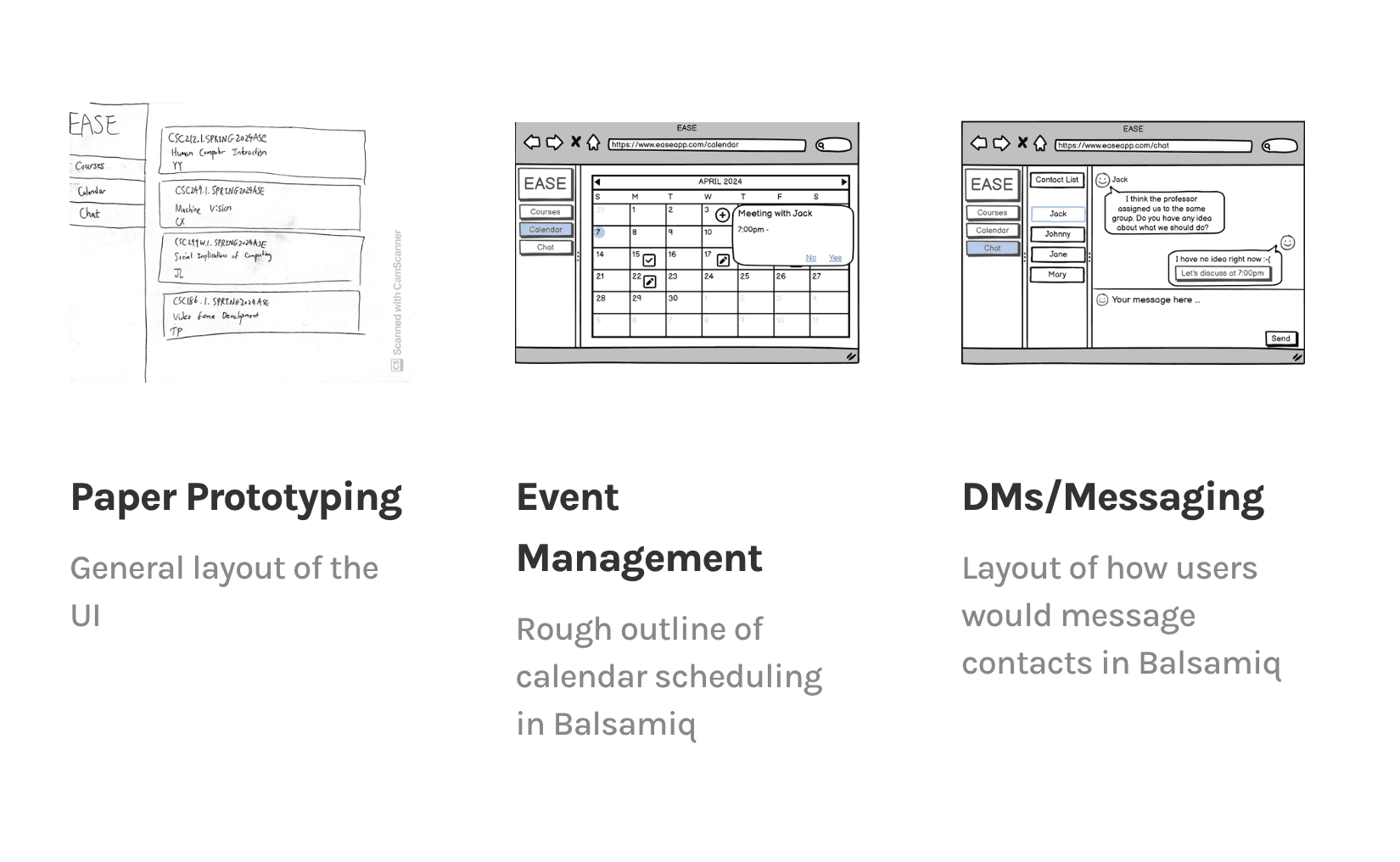
Prototyping in Figma
Implementation
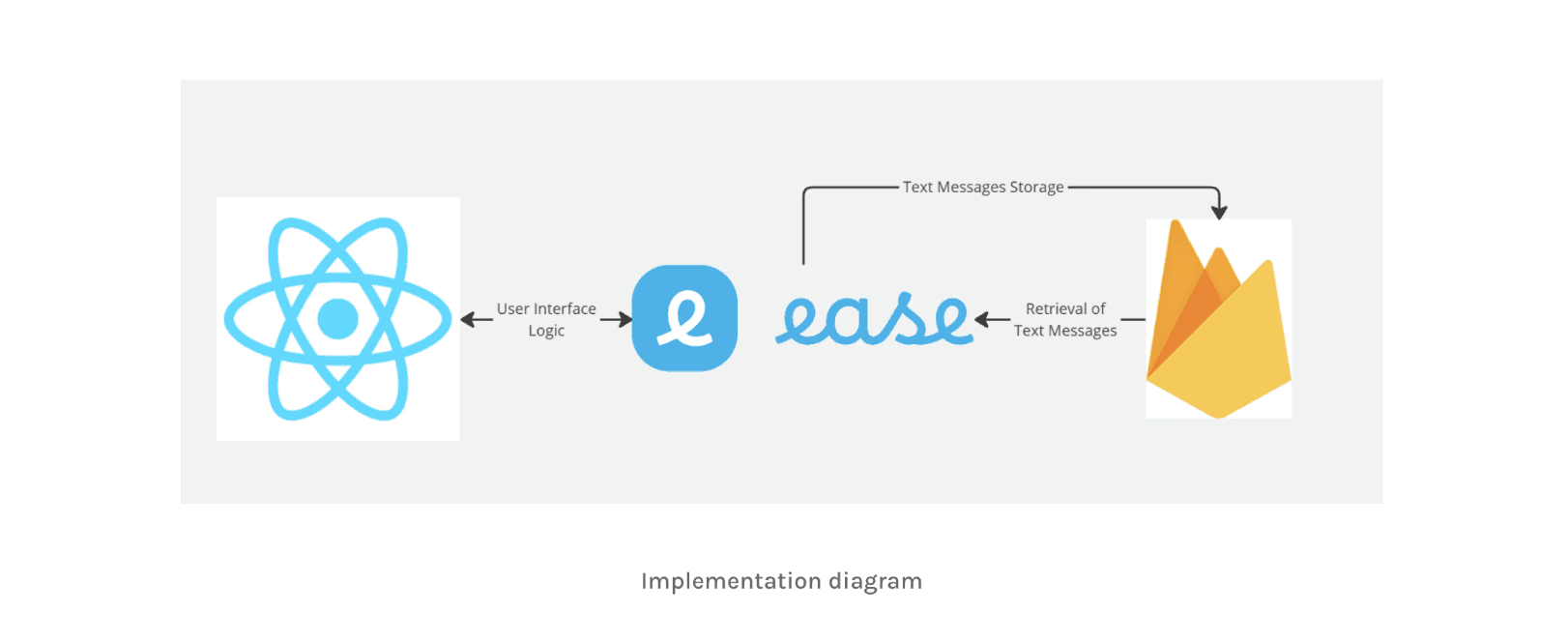
We used React to implement the front end for the EASE application and Firebase to persist data.
Evaluation
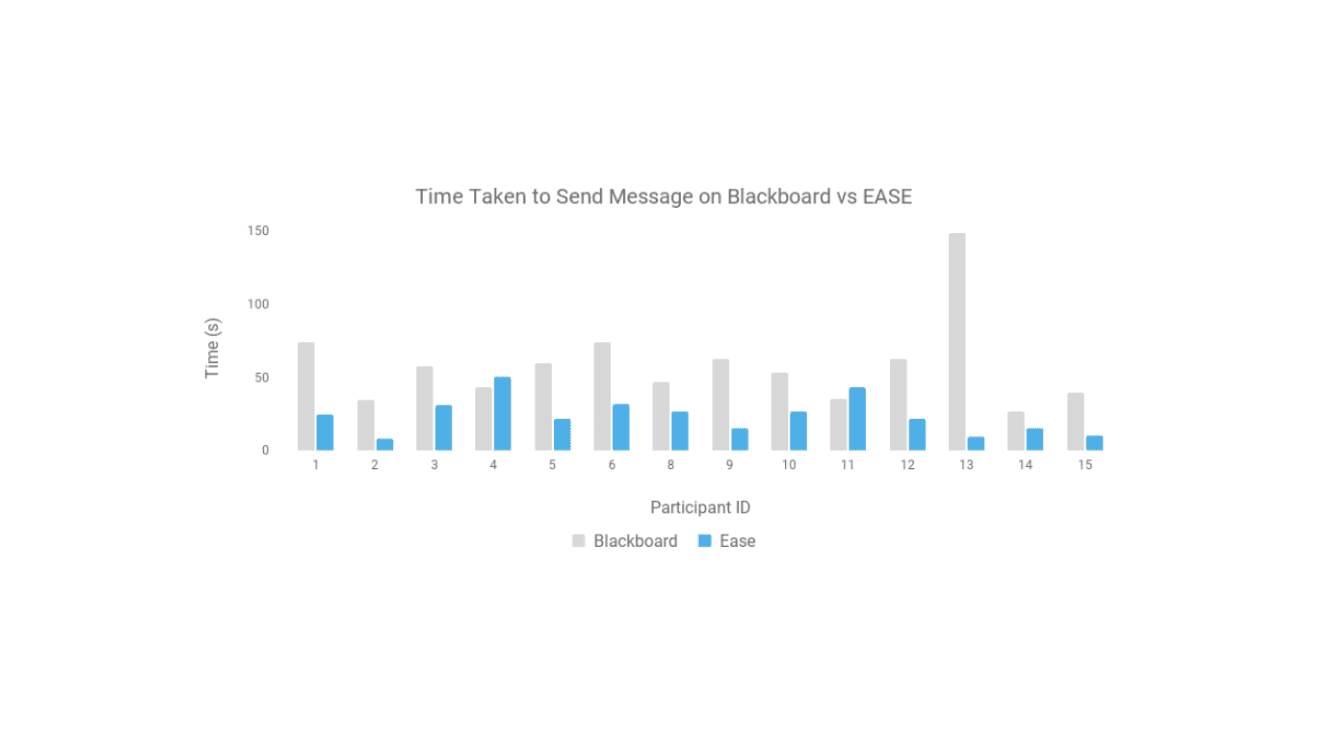
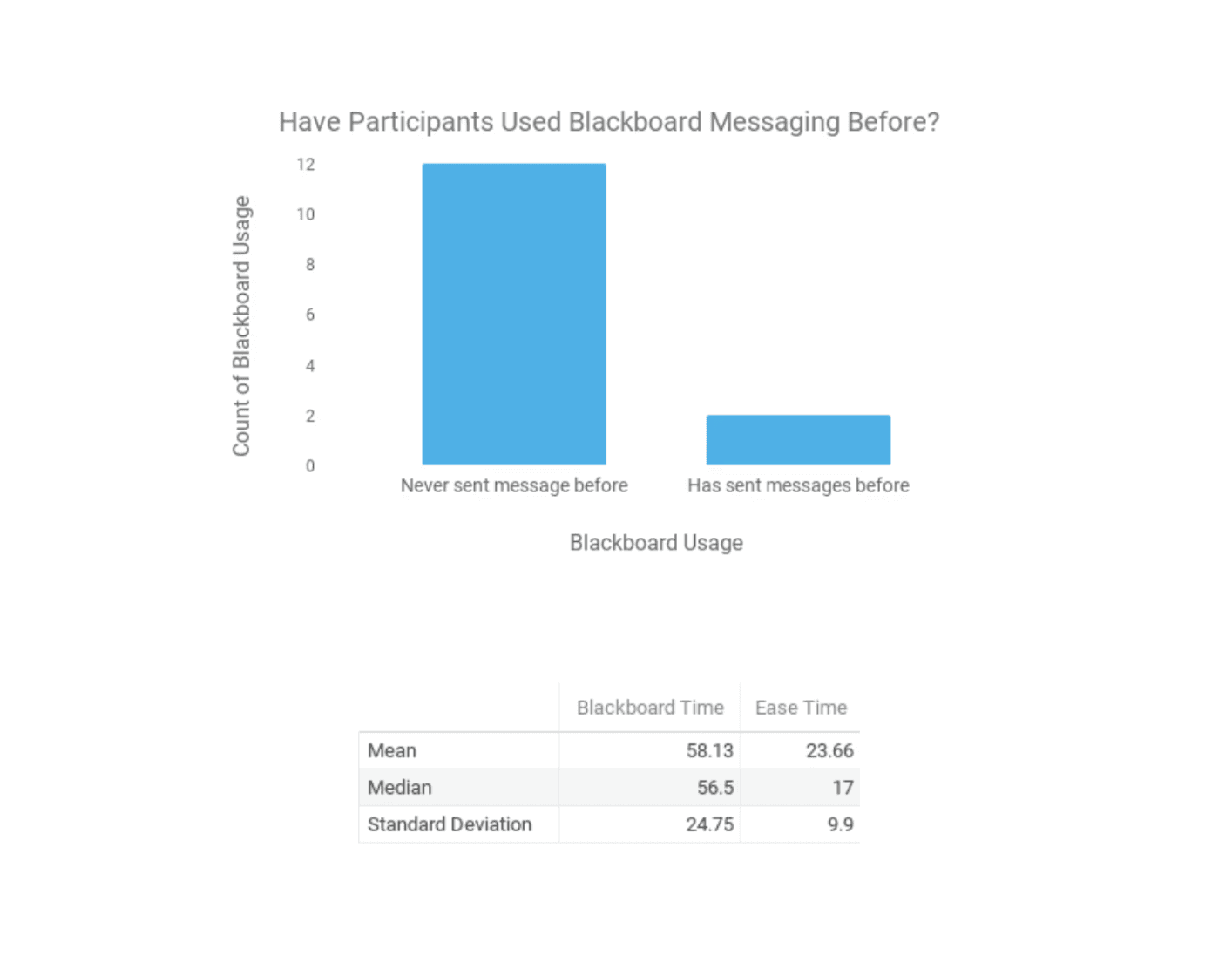
We recruited 15 volunteers to test the efficiency of the EASE application in comparison to Blackboard. The participants were all undergraduate students at the University of Rochester. Most participants had never sent messages on Blackboard prior to the study. During the process of the study, we first helped the participants navigate the web application to gain familiarity.
The key performance metric was the amount of time it took for a participant to navigate from the home page to send a message. This process was done twice for Blackboard and EASE. We recorded the times in Google Spreadsheet and performed data analysis. The findings of the evaluation process are shown below.
Evaluation Survey
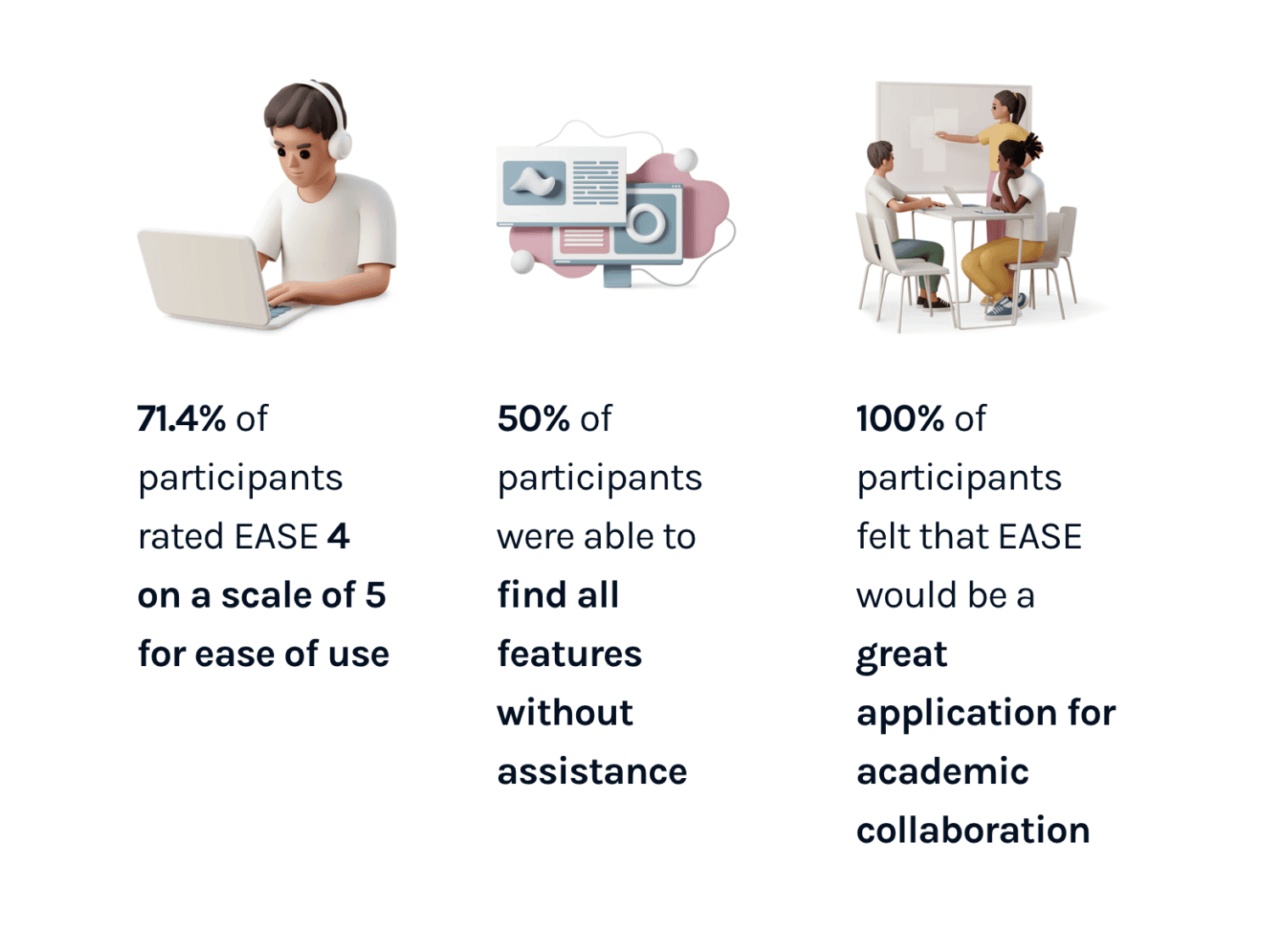
We also conducted a follow-up survey with the 15 participants of our user study. Their feedback on the EASE application was generally positive, specifically for the aesthetics and intuitiveness of the user interface. Most importantly, they preferred EASE over Blackboard.
Additional features that participants suggested are:
A course rating system
File sharing
Collaborative real-time editing for documents
An "add friend" feature
Project Outcomes
The EASE application successfully bridged the gap between academic management and real-time collaboration that Blackboard failed to provide. Our research-backed design, which blended the best features of platforms like Slack with course essentials, proved to be dramatically more effective in usability testing. Participants not only completed tasks much faster on EASE but also overwhelmingly preferred its intuitive and modern interface, confirming its potential as a superior all-in-one solution for students.
Takeaways and Next Steps
Overall, the process of working on EASE was fulfilling and I’m happy with our final product. In the future, if I get the opportunity, I would love to continue working on EASE and adding additional features that participants have mentioned!